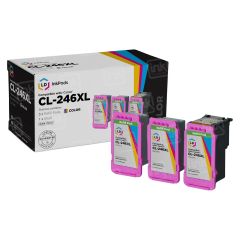


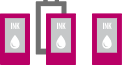


Here's how they work

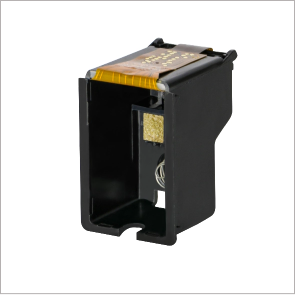
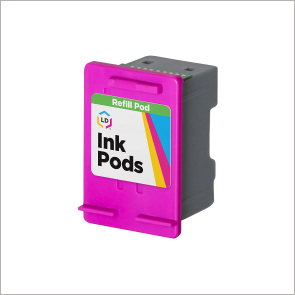
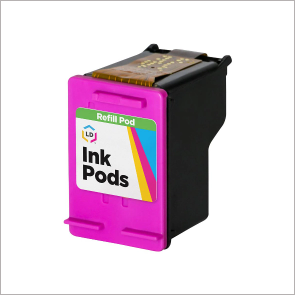
How to install your first InkPod cartridge
The first ink pod cartridge comes fully assembled and can be immediately installed in your printer.
-
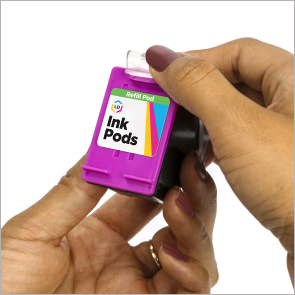 1. Remove the clear plastic clip that protects the cartridge. Hold the cartridge in one hand and pull up on the plastic tab with your other hand to separate the clip from the cartridge.
-
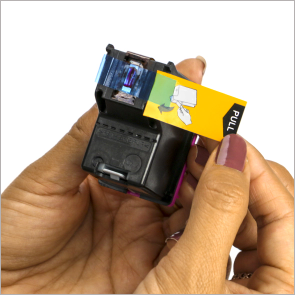 2. Remove protective yellow sealing tape that covers the printhead. We recommend doing this over a trash can as some ink might escape when removing the tape.
-
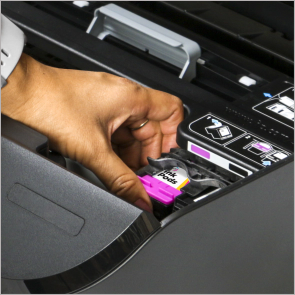 3. Install the cartridge into your printer and start printing!
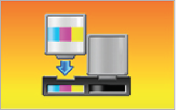
For best results, we recommend replacing your InkPod when the “Support Code: 1688 The following ink has run out” message appears on your printer’s display. If you continue printing after that message, you may cause damage to the printhead.
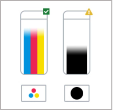
Easily keep an eye on ink levels. InkPods track real-time ink levels on your printer’s display so you know exactly when to replace your ink.
How to replace a Refill Pod
Your InkPod cartridge pack includes two extra refill pods. When the first refill pod runs out of ink, follow the replacement instructions below to install a new refill pod.
-
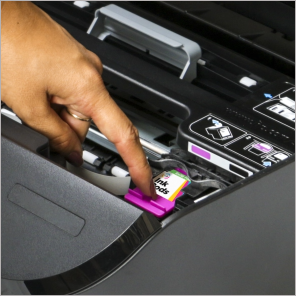 1. Remove the empty InkPod cartridge from the printer.
 -
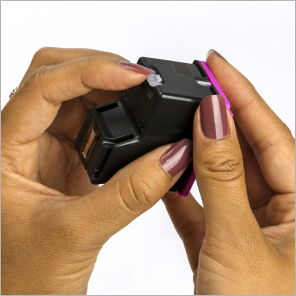 2. Press the gray “push” tab to release the empty refill pod from the reusable shell.
 -
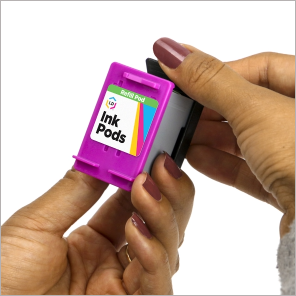 3. Unwrap a new refill pod and remove the black cap on the bottom of the pod.
 -
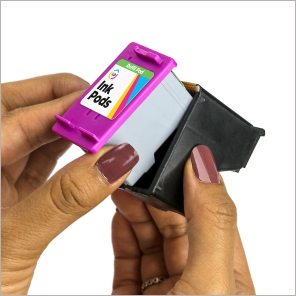 4. Insert the new refill pod into the reusable shell and press down to secure.
 -
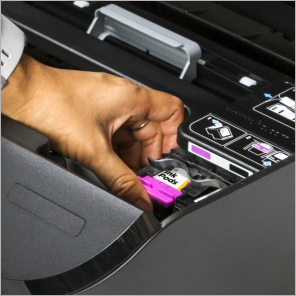 5. Install the InkPod cartridge into your printer and start printing!

The shell should only be used with the refill pods that are included in your pack. If the shell is overused, the print quality will deteriorate and may cause damage to your printer. After using your last refill pod, please recycle the entire InkPod cartridge pack (shell and refill pods)
If you purchased both a black and a color InkPod cartridge pack, please note that the black and color shells are not interchangeable. Mixing shells and refill pods may damage your printer.
InkPods Series

Our 100% satisfaction guarantee means you can shop with peace of mind. Our InkPods have been tested and monitored for performance quality and page yield. In the event that you are dissatisfied with your purchase, we will do our best to make it right. All of our LD InkPods are backed by a lifetime guarantee.